

CCTV cameras can be impacted by numerous issues, from power failure to wire damage, challenges with patchy networks or debris and dirt blocking the lenses. If your surveillance system has stopped working, it’s best to call a professional engineer or CCTV maintenance company to diagnose, fix and restore your CCTV.
If there’s a likelihood that your monitoring system will stop working again, or the cause will recur, an engineer can also suggest upgrades or replacement components that will improve reliability and give you the peace of mind of continued CCTV coverage.
Dealing With Malfunctioning CCTV Cameras: Key Takeaways
- CCTV cameras can be affected by a wide range of issues, from power supply glitches and outdated software to network downtime and poor maintenance, or even a simple disconnected wire.
- Identifying the cause of CCTV camera failures quickly is important, especially if there is any risk that your CCTV system has stopped working due to deliberate tampering or vandalism.
- Restarting the system and performing visual checks may resolve the issue, but if not, it’s advisable to call a qualified CCTV engineer.
What Are the Most Common Reasons CCTV Cameras Stop Working?
Studies have found that the main reasons why CCTV systems fail include poorly configured technology, low-quality recordings, a lack of integrations between systems, overuse of cameras and a lack of operators or responders to monitor them. [1]
Other problems and their impacts are summarised below.
| Reason for CCTV Outages | Outcomes |
| Loss of power | CCTV systems reliant on mains electricity are often rendered redundant during power cuts. |
| Loose or damaged cables | Cracks or bends in wires, tampering, poor installation methods or exposure to heat and water can impact cables. |
| Software or firmware issues | Outdated software or bugs can cause cameras to fail, freeze, stop recording, or lose their signal altogether. |
| Unstable networks | Network failure can mean that routers, switches, and cameras stop recording or transmitting data. |
| Environmental problems | Animals chewing through wires, extreme weather, corrosion, condensation and water can leave fixed outdoor CCTV cameras inoperational. |
Evaluations have found that CCTV is most effective when installed based on proper needs or risk assessments; if cameras are installed in the wrong location or lack essential features such as night vision, surveillance can also be less effective. [2]
How Can I Avoid Issues With My CCTV Cameras?
Clearway’s CCTV consultancy team says, ‘Regular checks and CCTV maintenance are essential, with servicing and cleaning that can pre-empt outages and ensure any initial problems are corrected before the cameras stop working.
Some components may be approaching the end of their useful life, or damage to cables or wires may be causing glitches that can be corrected before your surveillance is lost.
However, in other scenarios, we may recommend an alternative, such as a wireless CCTV system if you have frequent power cuts in your area, or cameras with autonomous communications that are better suited to sites with an unstable internet connection.’
Maintenance can include weekly physical and operational checks, cleaning lenses to remove debris or dust, updating firmware or software, and scheduling professional services to verify that the system is functioning as it should.
How Can I Tell Which Part of My CCTV System Isn’t Working Properly?
While it may not be possible to diagnose the issue without professional advice, there are some clues that can indicate where within your surveillance a fault is occurring, such as a black screen.
- Blank screens or no surveillance: Commonly caused by power outages or temporary loss of power.
- Loss of video overnight: May be related to issues with the night vision, infrared filters or connections within your camera unit, often causing video failure or blank screens.
- Small niggles with CCTV operations: Potentially down to compatibility if you’ve installed more advanced high-resolution cameras with an older recording system.
- Loss of signal: Often related to problems within the cabling or wiring, such as damage or twists that are preventing proper functionality. It may also be due to the firmware being outdated.
These problems won’t necessarily always be the underlying cause of the fault, but carrying out a few checks might narrow down the source of the problem. Other possible issues include addressing conflicts within IP CCTV systems, so CCTV outages are not limited to older surveillance setups.
It can be very frustrating to find that CCTV appears to be functioning normally on-site and local streams remain fine, yet supervisors can’t log in to their dashboard or access CCTV feeds from a remote location – and it’s usually down to your settings.
This isn’t necessarily the worst-case scenario, as the cameras and equipment seem to be operating correctly, which often points to an issue with settings, compatibility, or configuration that can usually be fixed.
Many issues with remote-access CCTV arise due to the wrong cameras being purchased, or because the installation hasn’t been completed by a qualified engineer who can verify that networks and connections are properly configured. You can:
- Check that your CCTV and recording systems are connected to your local network and configured correctly.
- Look at your network firewall settings to ensure these aren’t interfering with connections between your cameras and the internet.
- Investigate any VPN connections in use and assess whether the service is suitable for remote access.
Some systems work on 4G and 5G networks, others use Wi-Fi and Bluetooth connections, and others incorporate LAN links to localised devices.
That means any problems with the cameras’ functionality or the software used can affect your ability to watch CCTV feeds on a mobile device.
When Is it Time to Call a CCTV Engineer?
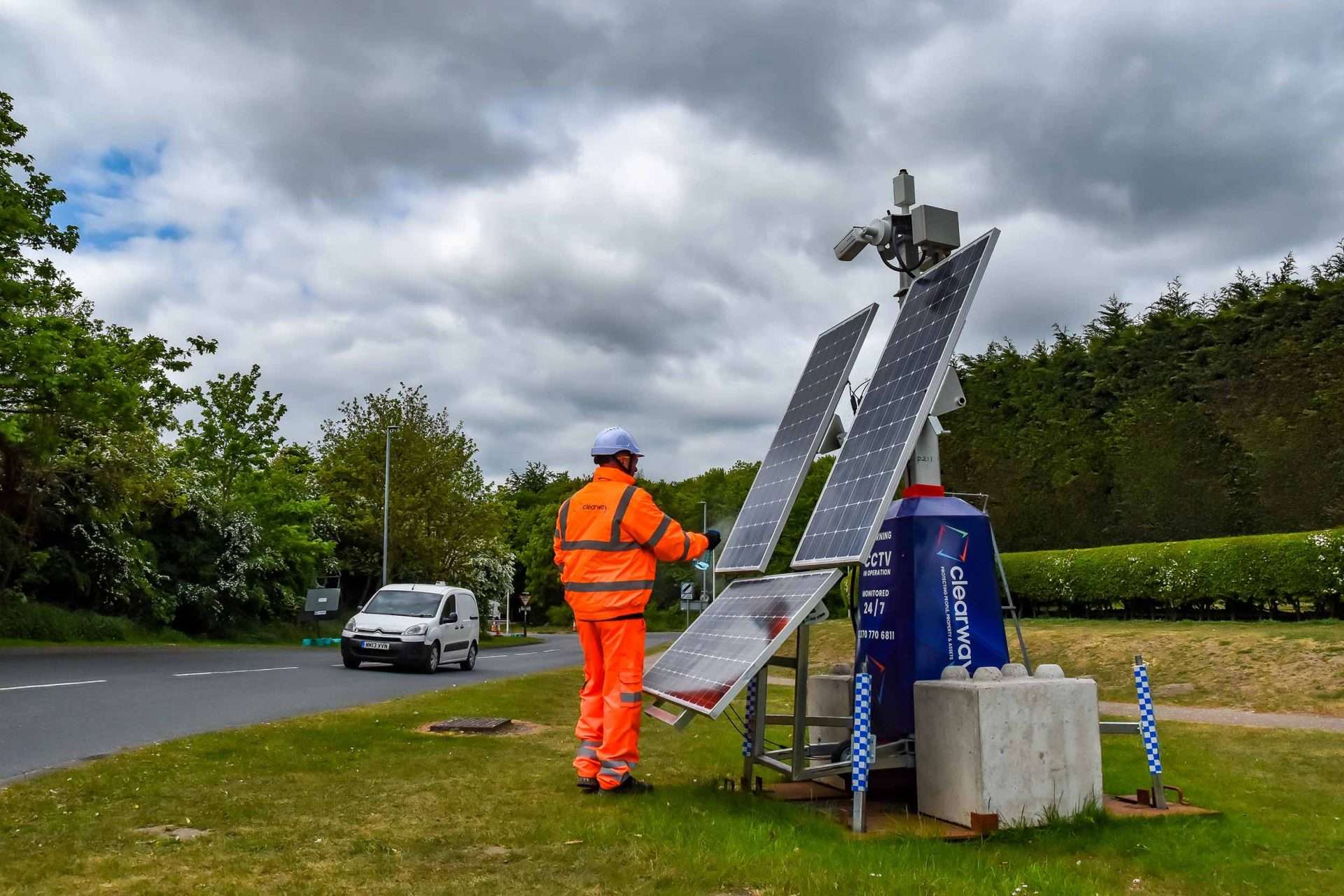
If you’re using hired CCTV towers, you should let us know immediately if you have any issues, which will be addressed promptly by the Clearway team. Wireless cameras, though, are engineered for flawless reliability and very rarely encounter problems.
However, if you have a current surveillance system that doesn’t seem to be working correctly, the following complaints suggest you contact a professional to restore your CCTV and reimplement security coverage.
- Ongoing issues with access to or recording of footage, where cameras keep cutting out or don’t always raise an alarm when a possible emergency occurs.
- Continued error or fault messages that make your CCTV unreliable.
- Physical damage to any aspect of your CCTV, either the camera, casing, wires, connections or any other integrated device.
- Problems with night vision, which can create vulnerabilities overnight when trespass and theft are most common.
- Issues where managers can’t remotely access their CCTV feed or find that images are regularly blurry or grainy.
- CCTV that provides images or feeds, but where the footage isn’t clear, or has issues with colour that make it difficult to make out details.
- Weak or intermittent power connections or WiFi, that mean transmissions are slow or often delayed.
The first sign of problems with your CCTV is, of course, the ideal time to contact an engineer, and the longer you leave issues to persist, the more likely it is that your surveillance will develop more serious faults.
Frequently Asked Questions
Why Might My CCTV Have Stopped Working Without Warning?
There are numerous possible issues behind a sudden CCTV failure, like a power cut or damaged cable, and this can be worrying if you’ve not previously noticed anything wrong with your cameras or had clear, consistent live feeds.
Some of the relevant issues that can cause sudden outages include power supply failures due to power cuts, damage to wires or cables caused by rodent chewing, deliberate tampering that disrupts network connections, or failure to update CCTV software.
All of these challenges can cause abrupt issues or render surveillance systems suddenly incompatible with other components.
Our advice is to move quickly to establish the underlying cause and ensure your business or site isn’t left without adequate surveillance.
Can I Fix a Problem With My CCTV System Myself?
In some cases, yes, if there is an obvious reason and there isn’t any actual damage to your CCTV, and all the connections and units within your surveillance system are working well without requiring maintenance or component replacements, you could fix it yourself.
Sometimes, cameras might register a one-off blip and can be reset by turning the system on and off again, especially if there has been, for example, a short power cut overnight, and the CCTV hasn’t restarted properly.
You might also be able to get your CCTV working again if something simple, like a power connection, has become loose; otherwise, we’d suggest calling an engineer.
How Often Should CCTV Systems Be Maintained?
Regular maintenance is a preventive measure that ensures your CCTV system is inspected, cleaned, and monitored periodically, often avoiding outages since engineers can advise on parts and wires that are close to failure and need to be replaced.
CCTV managers can also conduct monthly checks to identify issues indicating wildlife damage or potential tampering, and to confirm that CCTV is covering all relevant spaces and doesn’t leave any blind spots unsupervised.