

Keeping on top of CCTV maintenance is essential. It assures you that your surveillance systems are functioning correctly and provides the added layer of security you rely on to keep your premises, equipment, and assets safe.
Regular checks take minimal time, but with a little cleaning, making sure the firmware is up to date, and inspecting cameras for damage or issues, you can often avoid preventable system repairs and replacements.
We’ve put together a short checklist of the areas you can cover yourself, with insights into the more in-depth servicing and maintenance our security specialists cover when performing service calls, available on request.
Our CCTV Maintenance Checklist
We’re focusing on general and preventative maintenance, which can be performed by any responsible party with the authority to access your CCTV units. Here is our standard camera checklist:
Visual Inspections of CCTV Cameras
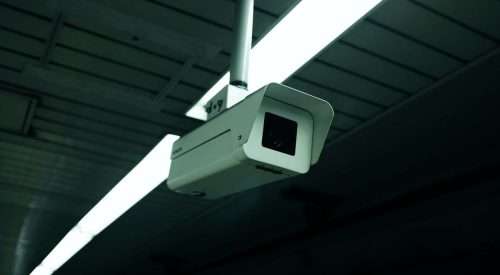
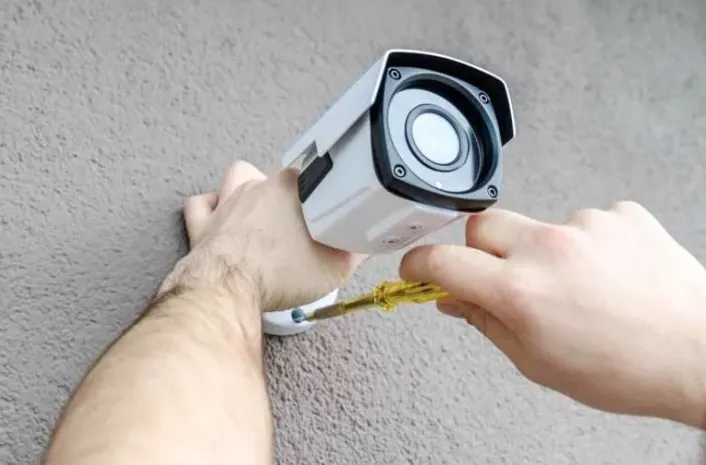
Step one is to examine all the aspects of your CCTV system, including the cameras and casings, checking for any physical damage, wear and tear, or indications of potential tampering, such as scratch marks.
You can also check that cameras remain angled correctly, cover the required site, and perform a quick clean to remove dirt, dust, leaves, and any other particles that could obstruct the camera’s view or prevent it from working.
Checks to Verify Camera Performance
Next, we suggest you check that all the functions your cameras offer are functioning, including focus, pan, tilt, zoom (PTZ), and infrared. Look for signs of issues such as a loss of clarity, poor resolution, or flickering images.
If you notice any such concerns, it’s well worth having one of our surveillance specialists service and test your system more thoroughly to diagnose the cause of the fault and restore the accuracy and resolution you expect.
Physical Assessments of Cables and Connections
Our next step is to perform a physical inspection of all the power supply elements, including cables, wiring, and connections. This provides peace of mind that the data, transmission speeds, and integrity of your recording are all up to scratch.
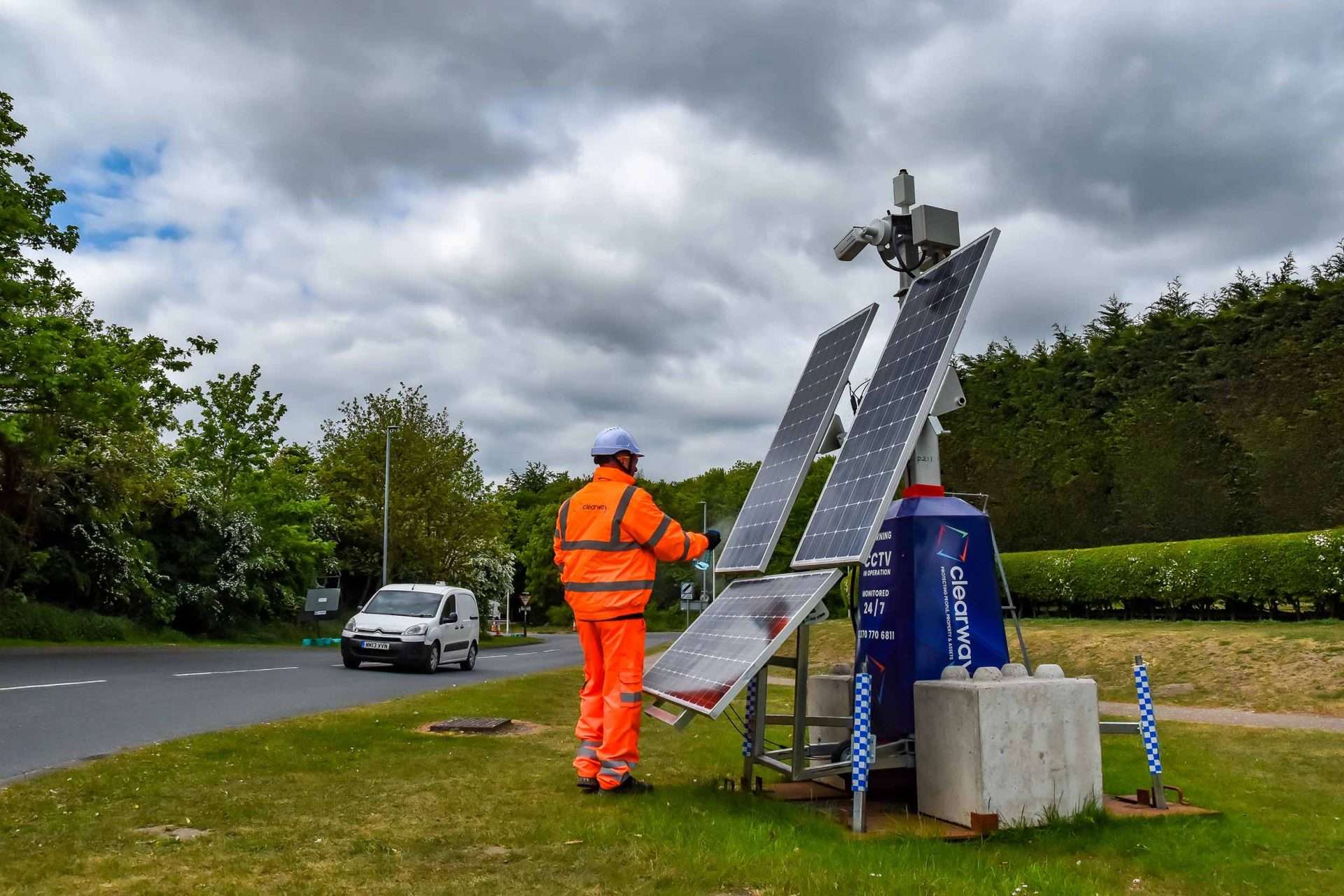
This is also a good opportunity to inspect any power sources, from mains power to commercial-grade batteries or solar panels, making sure the connection is sound, the battery has ample reserves, or that back-up power sources are functional.
Verifying Data Storage and Recording Is Sufficient
Depending on the transmissions and recording incorporated within your surveillance system, you might have static or cloud-based recording. It is important to check the storage capacity and confirm that there is plenty of space remaining. Something this simple could cause serious issues if your cameras appear active but cannot back up the captured data.
If you have playback functions, you can also check that these are working and that there are no problems accessing footage.
Checking for Motion Sensor Responsiveness
Surveillance systems with sensors and motion detectors should be regularly tested to ensure these are operational and that alerts transmitted to your security team or yourself are reliable.
As well as activating motion detectors and other sensors, you can check that your alerts and notifications are working properly, and that these reflect the correct zone or position of the movement.
Testing Remote Monitoring and Access Permissions
Most modern businesses rely on remote access to view their CCTV footage in real-time. This could be through a phone, tablet, or app, and preconfigured settings determine the personnel with access.
During a routine health check, you should ensure this is working and that your notifications, remote access and alerts are responding.
Updating Software and Firmware
If your CCTV system requires periodic software updates for apps and interfaces or firmware updates for cameras and components, these should either be managed automatically or you should include a step on your checklist to scan for new updates.
These are essential for security, ensuring your system has the latest patches or edits to address glitches or emerging issues and won’t stop performing due to something fairly simple to avoid.
Cleaning and Maintaining CCTV Cameras
Finally, be sure to give all the lenses, cables, and housings a quick clean if you’ve not done so, even if there isn’t obvious or accumulated surface debris.
Making sure that cameras and connections are dust-free ensures they’ll remain in great condition until your next maintenance check and that there isn’t any damage underneath an outer layer of dust that’s escaped your attention.
The Benefits of Following a CCTV Maintenance Checklist
- Visual and physical checks don’t require expertise but are the easiest way to spot any CCTV defects or damage well before they impact the functionality of the whole surveillance system or fail to perform during a live incident.
- Reviewing your CCTV and system set-up is just as vital as physical assessments, especially if your risk profile or access points have changed or you’ve uncovered blind spots that aren’t being covered.
- Ongoing logs and record-keeping may be essential for insurance coverage requirements. Most providers will want to see a record of each check before they’ll payout against a claim for a replacement unit, ensuring you’ve done everything necessary to keep your CCTV in good shape.
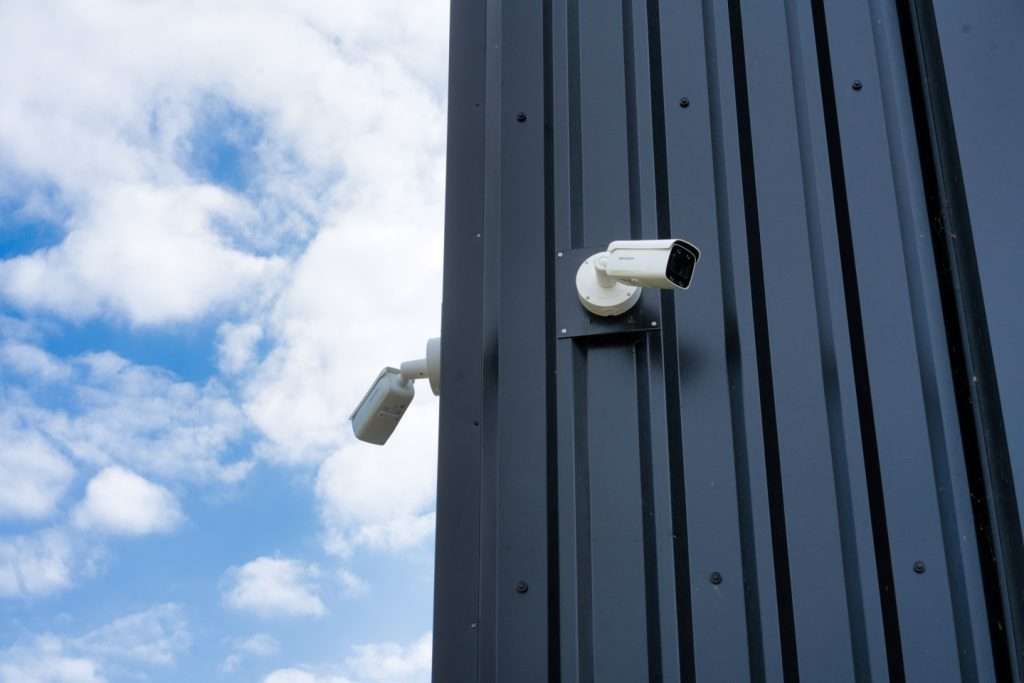
Why Every Business Should Perform Regular CCTV Upkeep Checklists
A lot might depend on the set-up and positioning of your CCTV surveillance. Still, the standard is to check off your maintenance tasks once a week or month, documenting that you’ve looked for any issues and have confidence that your security system is working correctly.
Using a checklist is a good option since it eliminates the potential for manual error and ensures you’ll have a clear structure to work through and perform the same maintenance tasks each time.
In the vast majority of cases, general cleaning, assessing the functionality of motion sensors, and confirming that automated notifications are working is time well spent and means any issues are reported promptly to the Clearway team to enable us to resolve them.
If you’d like more advice about maintaining your CCTV system, help troubleshooting issues with any components, or guidance from the experts about updating your surveillance or outsourcing ongoing maintenance requirements, you are welcome to contact Clearway at your convenience.
The Clearway Team 
The Clearway Team
Clearway is one of the UK’s most successful, innovative and rapidly expanding integrated security services and intelligent protection organisations – designed to protect people, property and assets.
Related content
CCTV in the Workplace: What Are the Rules in 2026?
Mon Jan 19 2026
Buying a vacant property checklist
Thu May 5 2022
An end of tenancy checklist for landlords
Sat Nov 15 2025
How to Evict Travellers From Private Land: A Checklist
Sat May 10 2025
Is your Warehouse Secure? Our Warehouse Security Checklist
Mon Apr 7 2025