

Bugs and spider webs are a fact of life, and keeping on top of CCTV maintenance, ensuring you’re using the right motion detection settings, and using DIY approaches such as insect repellents can help protect the quality of your surveillance.
Importantly, organisations installing CCTV systems must both ensure they meet all requirements for data protection and information collection [1] and maintain cameras to ensure the captured and transmitted alerts are reliable and effective.
This guide shares some useful tips, whether you’re considering installing wireless CCTV and want the peace of mind that it will stay bug-free, or need to address ongoing issues with partial footage or false callouts on your premises.

Preventing CCTV Obstructions: Key Takeaways
- Spiders and other bugs can limit the effectiveness of CCTV by blocking the camera’s view, spinning webs that obstruct coverage, or activating motion detectors, prompting unnecessary callouts.
- Using advanced CCTV models with casings that don’t include small gaps or crevices is ideal, along with scheduling periodic maintenance to keep bugs at bay.
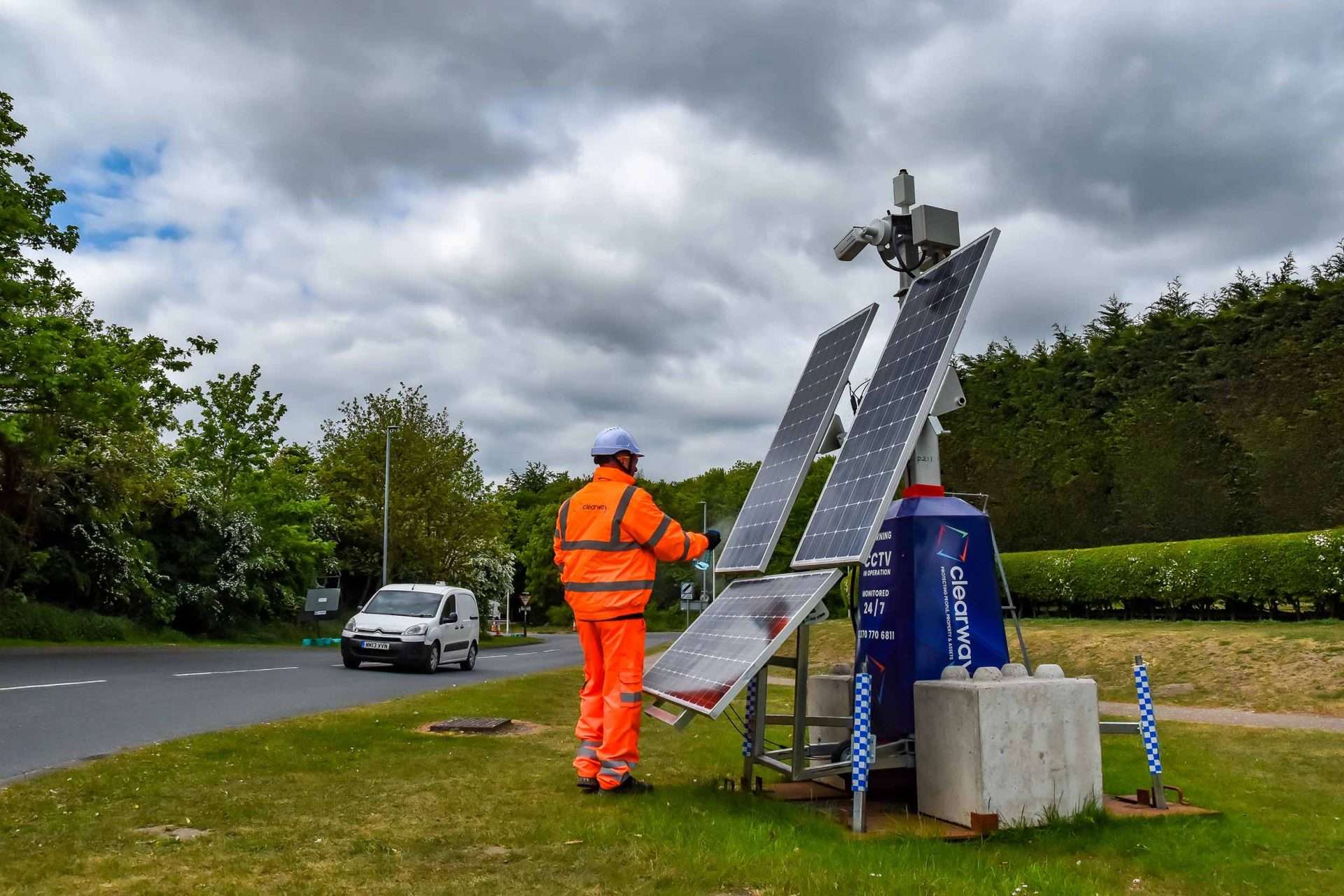
- Regular cleaning may be more essential in certain settings, particularly construction sites in rural or remote areas, where spiders are often more prevalent and could negatively impact CCTV security.
What Are the Quickest Ways to Clear Spiders From Cameras and Prevent Them From Returning?
Regular maintenance, cleaning, and smooth camera casings without tiny gaps that attract insects will all help reduce the number and frequency of CCTV alerts caused by spiders, and you can combine professional maintenance visits with practical solutions.
Some of the many DIY methods to deter spiders include the following:
| Method | Impact |
| Applying small amounts of lubricant | Stops bugs from crawling over cameras or spinning webs, but should be used with care to avoid contaminating the camera lens. |
| Installing cameras away from LED lights | While some CCTV cameras require lighting, particularly if they lack low-light functionality, lights bring bugs and spiders; separating these devices may help. |
| Insect repellent discs | It’s not usually advisable to use a spray repellent, as this could impact the camera, but an insect repellent disc or block can be useful. |
| Periodic cleaning | By far the most reliable solution, brushing debris and dust off camera casings will stop webs from becoming established, affecting visibility. |
Why Is it Important to Stop Spiders Crawling Over My CCTV Cameras?
Regardless of the type of CCTV you’re installing, your main objective will be to have clear, crisp footage and dependable alerts when something untoward needs to be investigated – and that means keeping cameras free of bugs and webs.
Reports have shown that CCTV has a ‘very strong’ impact on crime, with an average 13% decrease in incidents across all settings. [2] However, this is less likely to be the case if cameras are routinely obstructed or webs block the captured images.
If you’re dealing with serious security threats or installing temporary CCTV at a vacant property or large site, the placement of your cameras may have a direct impact on the amount of interference you can expect from spiders.
What Is the Best Way to Fit Security Cameras That Won’t Attract Bugs?
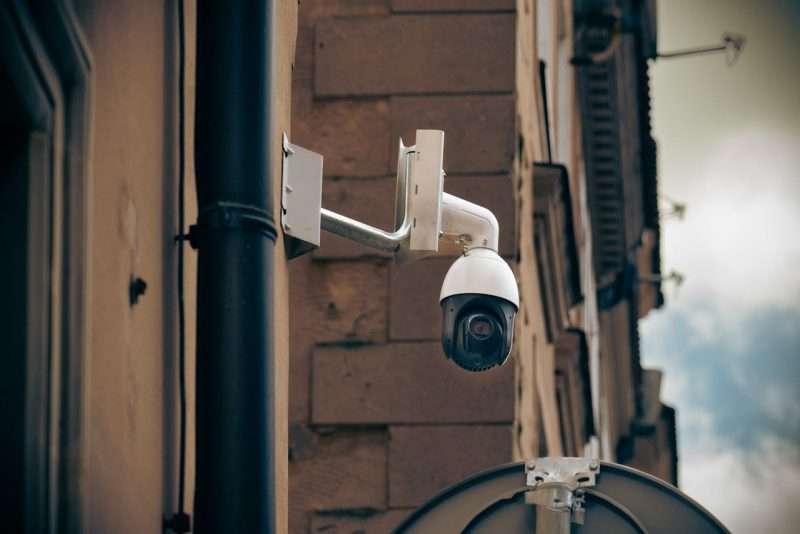
Positioning can make a big difference, because spiders generally gravitate towards tight spaces and corners, or around lights that attract the flies and bugs they eat – and a surveillance professional can offer tailored recommendations if you’ve had infestations or repeated false alarms in the past.
- CCTV cameras in corners and eaves are more prone to bugs, and moving your devices to flat walls can reduce issues with spiders.
- Changing the camera’s position or angling it down, away from eaves with recurring webs, may also improve visibility.
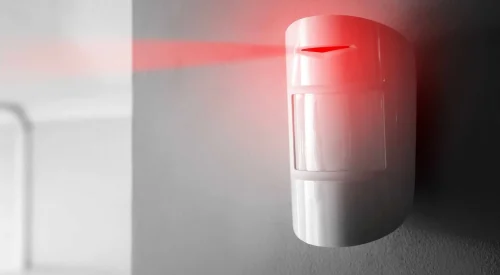
‘If spiders and other bugs are causing false alerts, but not impacting the quality of your feed, the answer may be as simple as adjusting your motion detection settings.
Highly sensitive systems can be triggered by something as small as a spider, especially if the bug is crawling directly over the camera lens. Updating settings to cover the appropriate boundaries or perimeters and using casings to keep bugs off the lens should deal with the problem.
Advanced cameras can differentiate between human activity and non-suspicious motion, such as animals and tree branches, which avoids the stress and cost of false callouts. This may be the best option if disruptive false alarms are your primary concern.’
Clearway’s Alarm Receiving Centre (ARC) can also provide alarm and CCTV verification services. Responders analyse the cause of the trigger and stand it down if there is nothing suspicious, or if they see that a spider crawling over a sensor has activated the security system.
Is it Worth Scheduling Professional CCTV Maintenance to Deal With Spiders?
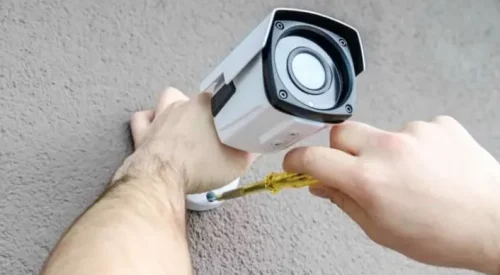
If spiders keep coming back, you’re often finding your cameras covered in webs, or you’re struggling to manage motion alerts caused by insects, a thorough, professional cleaning, service, and maintenance visit may be important.
It’s vital to be careful with the cleaning products you use on or around CCTV cameras, as some can infiltrate the casing or leave residues on the lenses. Experienced engineers ensure each unit is properly cleaned and working optimally.
Maintenance is always beneficial, even if you’ve not had to deal with spiders interfering with your footage. It helps spot issues before they cause outages, ensuring engineers can replace components that are showing signs of wear, and ultimately prolongs the lifespan of your surveillance system.
Frequently Asked Questions
Can I Use Bug Spray on a CCTV Camera?
Spraying anything directly onto a camera or lens isn’t advisable, as this can leave a residue or layer that will itself impede the functionality of your surveillance. Although repellents can be used around a CCTV unit, it’s better to consult the professionals if you’re concerned about damaging your security devices.
How Can I Stop Alarm Callouts When Spiders Crawl in Front of My CCTV?
Adjusting your motion detection settings or upgrading to cameras capable of distinguishing a spider from a genuine threat may prevent ongoing problems with false positives.
References:
Related content
Thu Aug 28 2025
Wed Jun 5 2024
Tue Apr 2 2024